INTEGRATIONS
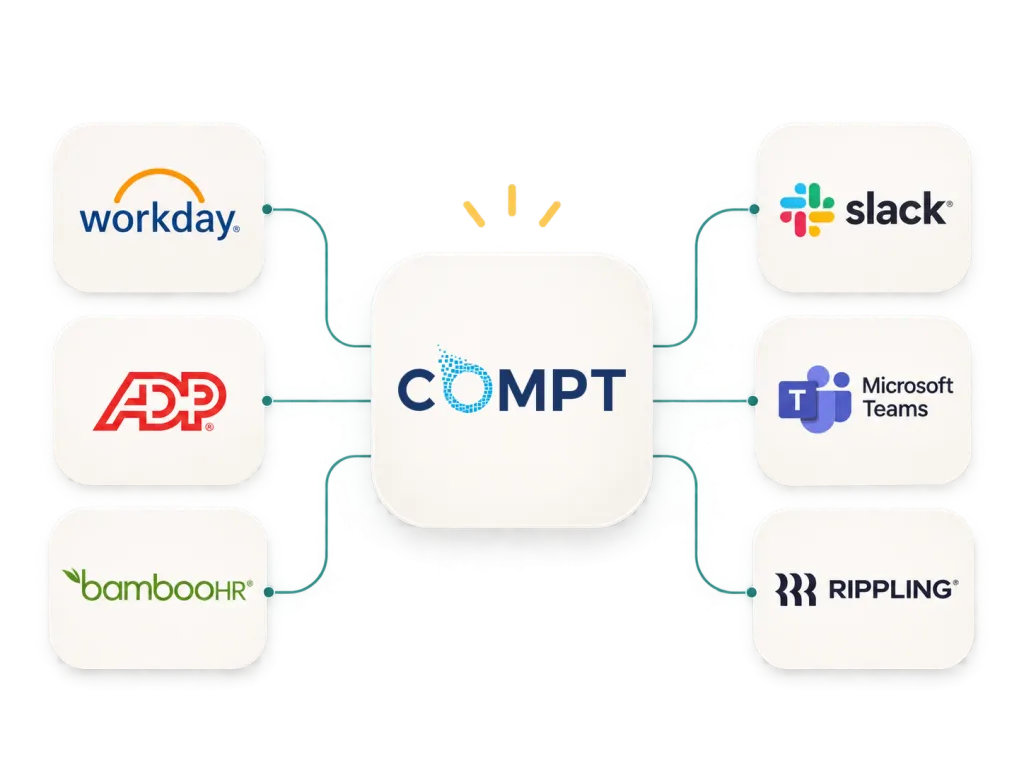
Compt connects with HR, payroll, identity, and workplace tools to keep employee data in sync, automate eligibility, and simplify reimbursements.
HOW IT WORKS
See how Compt and your existing systems work together to automate common HR and payroll workflows.
Keep employee data current
Sync new hires, changes, and departures from your HRIS.
Let Compt handle the benefits admin
Apply eligibility rules, manage reimbursements, and automate tax treatment.
Make payroll easier
Send approved reimbursements to payroll or generate payroll-ready reports.
SUPPORTED INTEGRATIONS
Connect Compt with leading HRIS and payroll platforms, identity providers, and workplace tools.
HRIS & Payroll




Identity & SSO


Workplace Tools


Flexible Ways to Connect
Direct integrations
Automated, secure connections.
Secure file transfer (SFTP)
A reliable option for syncing employee data.
Payroll-ready exports
Clean, formatted reimbursement data for easy payroll processing.
Single sign-on (SSO)
Support for SAML and leading identity providers.
Frequently Asked Questions
Compt integrates with leading systems, including ADP Workforce Now, ADP TotalSource, Workday, Rippling, BambooHR, Gusto, Paylocity, UKG, and more. Supported HRIS integrations automatically sync employee information, while payroll connections support direct posting for select ADP products, secure file transfers, or customized payroll-ready reports. We’ll help you find the right connection for your systems.
Compt syncs employee information used to manage eligibility, such as names, employee IDs, hire dates, departments, locations, employment status, and employee groups. The specific fields depend on your HRIS and integration configuration.
Employee data syncs daily by default, with hourly syncing available when needed. New hires, employee changes, and terminations are reflected in Compt automatically, helping keep benefit eligibility current without manual roster updates.
Yes, for supported ADP products. Compt can push reimbursement data directly to ADP Workforce Now and ADP TotalSource.
For other payroll providers, Compt generates customized payroll-ready reports that can be downloaded or delivered through secure file transfer (SFTP), where supported. Reports include employee identifiers and separate taxable and nontaxable reimbursement amounts, so Payroll receives organized data without manually rebuilding it.
Compt applies the tax treatment configured for each benefit category and carries that classification through to payroll reporting. Taxable and nontaxable reimbursements are reported separately, reducing manual categorization and reconciliation work.
Your payroll provider handles tax withholding and remittance. Employers remain responsible for determining appropriate tax treatment with their tax or accounting advisors.
Yes. Compt supports SSO through providers including Okta, Google Workspace, Microsoft Entra ID, OneLogin, JumpCloud, and other SAML 2.0-compatible identity providers.
Employees can sign in using their existing company credentials without managing a separate Compt password. Our team can also review your user provisioning and deprovisioning requirements during implementation.
Compt’s Customer Success team guides the integration process, including configuration, field mapping, payroll setup, and testing.
Your HRIS administrator, IT team, or payroll contact may need to authorize connections, configure SSO, and validate the initial setup. Most customers launch within two to four weeks, depending on their systems, program complexity, and internal approvals.
Yes. Compt can use leave-of-absence status from a connected HRIS to automatically pause stipend accruals and resume them when an employee returns.
Employee changes, including department transfers and terminations, also sync from your HRIS. Eligibility and funding updates follow your configured program rules and effective dates.
You may still be able to connect it. Compt supports employee data imports through CSV files and secure file transfers (SFTP), along with customizable payroll-ready reports.
SFTP connections are available when your provider supports the required file transfer and field mapping. Tell us which systems you use, and we’ll help confirm the available options before you get started.
Tell us which tools you use, and we’ll show you how Compt can work with them and what setup looks like.
Not ready to talk? See the latest benefits benchmark data →


Explore Professional Development Pro™ by Compt with an interactive tour and see how it can easily elevate your employee professional development program.
Step confidently into the future of Professional Development management with Compt, where flexibility is limitless (or limited – the choice is yours!) and personalization is paramount.
